







जनरेटर
इतिहास
एआई फ्लोर प्लान जनरेटर
परिवर्तन उपकरण
मॉडल
बेस
स्विच
संदर्भ फ्लोर योजना
अपलोड करें
बेडरूम
-
2
+
बाथरूम
-
1
+
कुल क्षेत्रफल
यूनिट Metric
 साम्राज्यिक
Metric साम्राज्यिकक्षेत्र
< 50㎡
50-80㎡
80-100㎡
100-120㎡
120-150㎡
> 150㎡
अतिरिक्त सुविधाएं
कोई विशेष चीज़ ढूंढ रहे हैं?
उदाहरण: चमकदार रंगों वाला आधुनिक शैली का लिविंग रूम, नरम प्रकाश और न्यूनतम डिजाइन।
 गिनती
गिनती
Design Your Perfect Space with Our AI Floor Plan Generator – Your Ultimate Event Layout Maker Free!
Unleash your creativity with Ideal House's AI Floor Plan Generator, the leading event layout maker free tool for crafting detailed 2D floor plans in seconds. Whether you're planning a new home, renovating an existing one, or designing an event space, our intuitive online floor plan generator makes it easy. Simply input your desired rooms, kitchen style, and gross area, then watch as our AI brings your vision to life. This free floor plan designer is perfect for everyone from homeowners to real estate professionals looking for a quick and reliable solution.
Generate My Floor Plan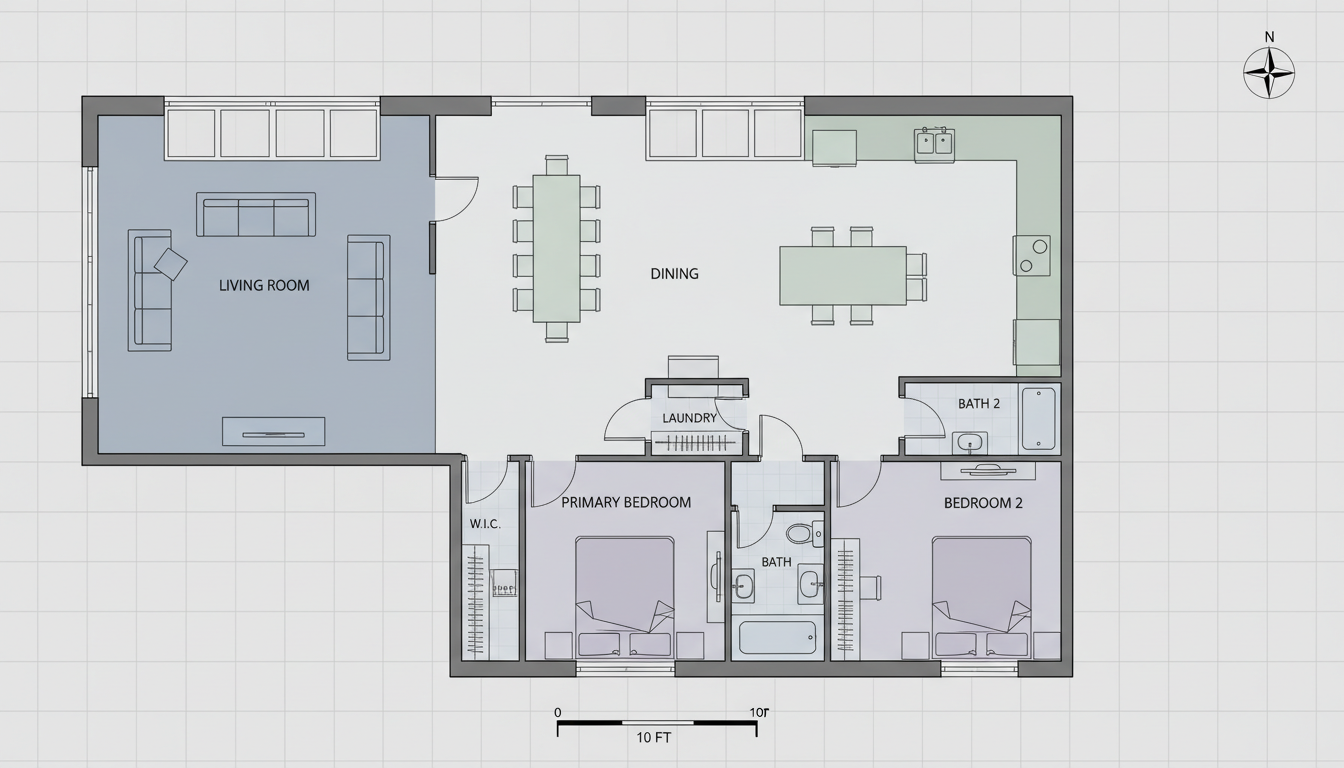


Why Ideal House is Your Go-To Event Layout Maker Free
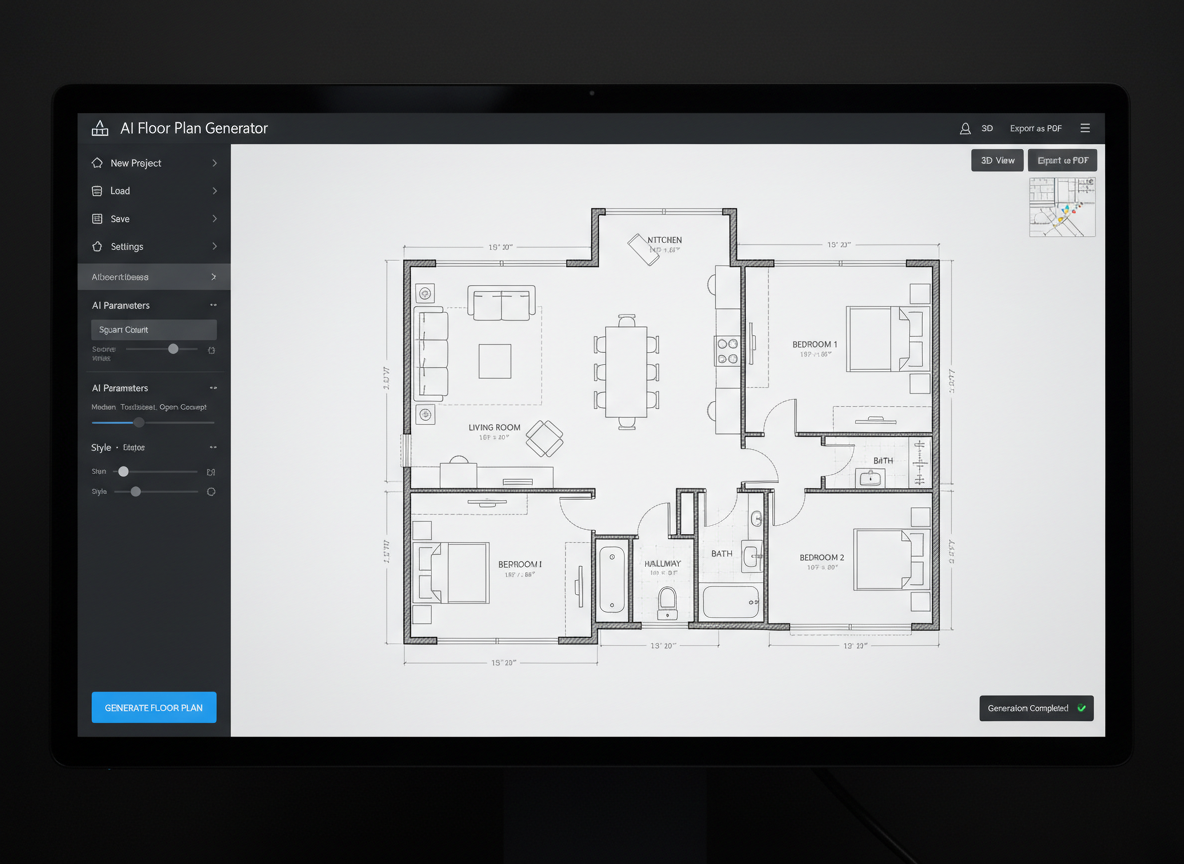
Instant 2D Floor Plans
Forget complex software. Our AI floor plan generator creates professional-grade 2D floor plans in mere seconds. This online floor plan generator allows you to quickly visualize layouts without the steep learning curve, making it the ideal event layout maker free for anyone needing rapid design. Get accurate plans for residential or commercial spaces with unparalleled speed.
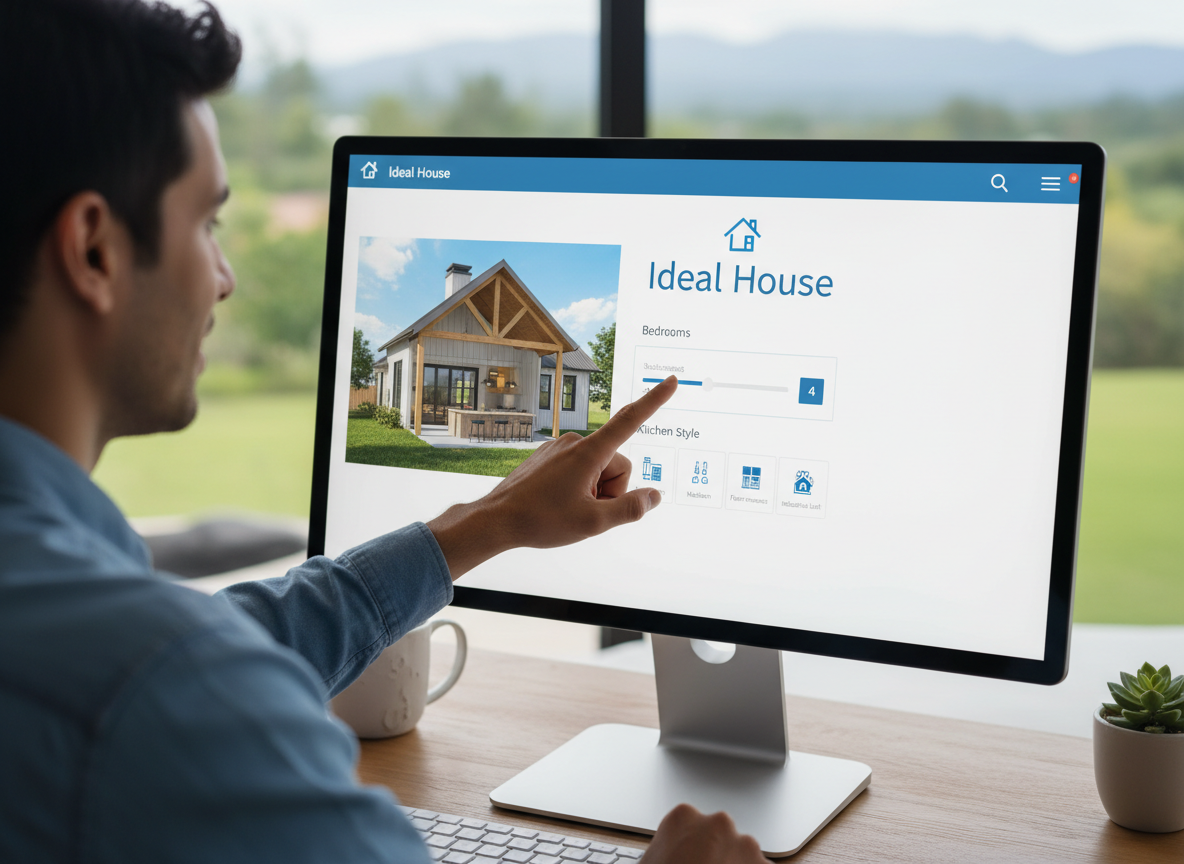
Parametric Design Made Easy
Tailor your designs with precise control. Specify bedrooms (0-4), bathrooms (1-3), choose between an open or closed kitchen, and define the gross area. These parameters guide our AI to produce a custom floor plan that perfectly matches your requirements. It’s a powerful free floor plan designer that ensures your specifications are met every time.
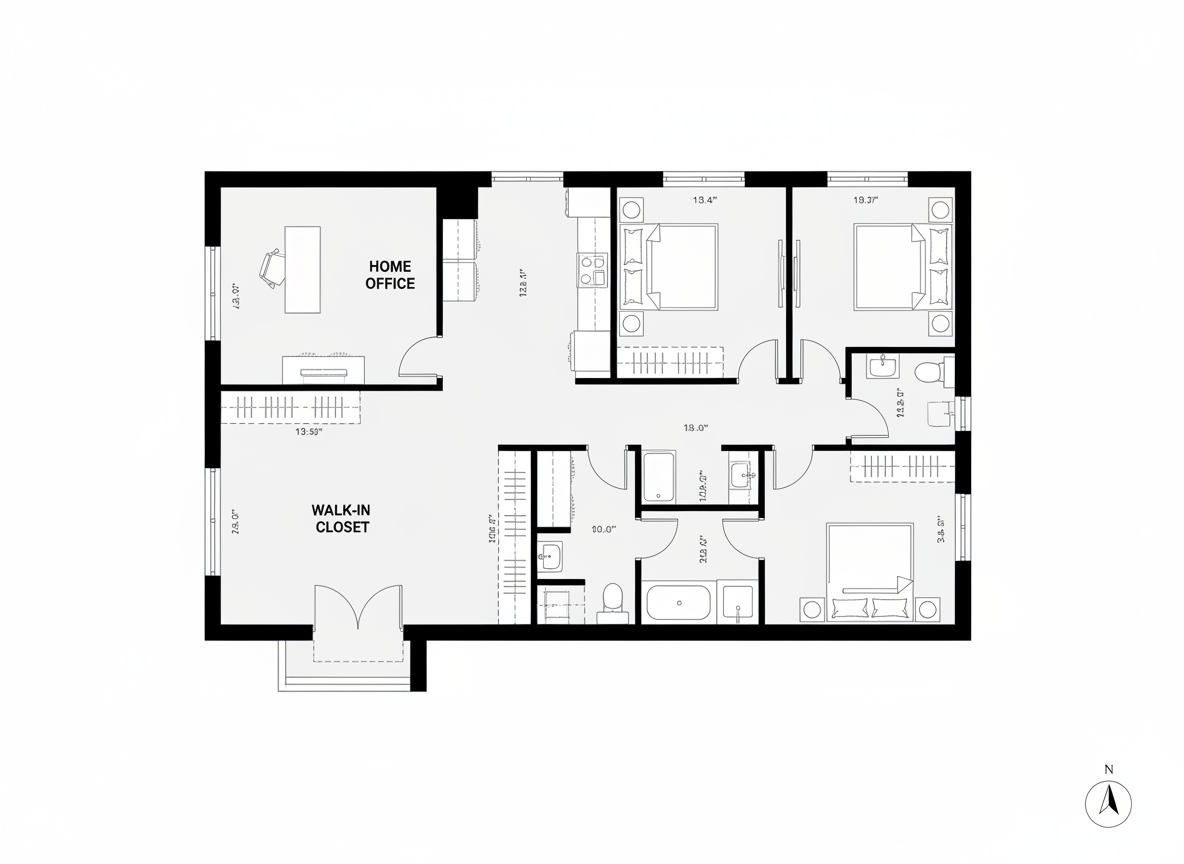
Add Key 'Extras' for Functional Layouts
Beyond basic rooms, our AI floor plan maker lets you integrate essential extras like walk-in closets, laundry rooms, home offices, garages, and balconies. These selections influence the overall space planner online logic, ensuring your dwelling layout creator produces a functional and livable design. Design practical spaces with a free home design tool.
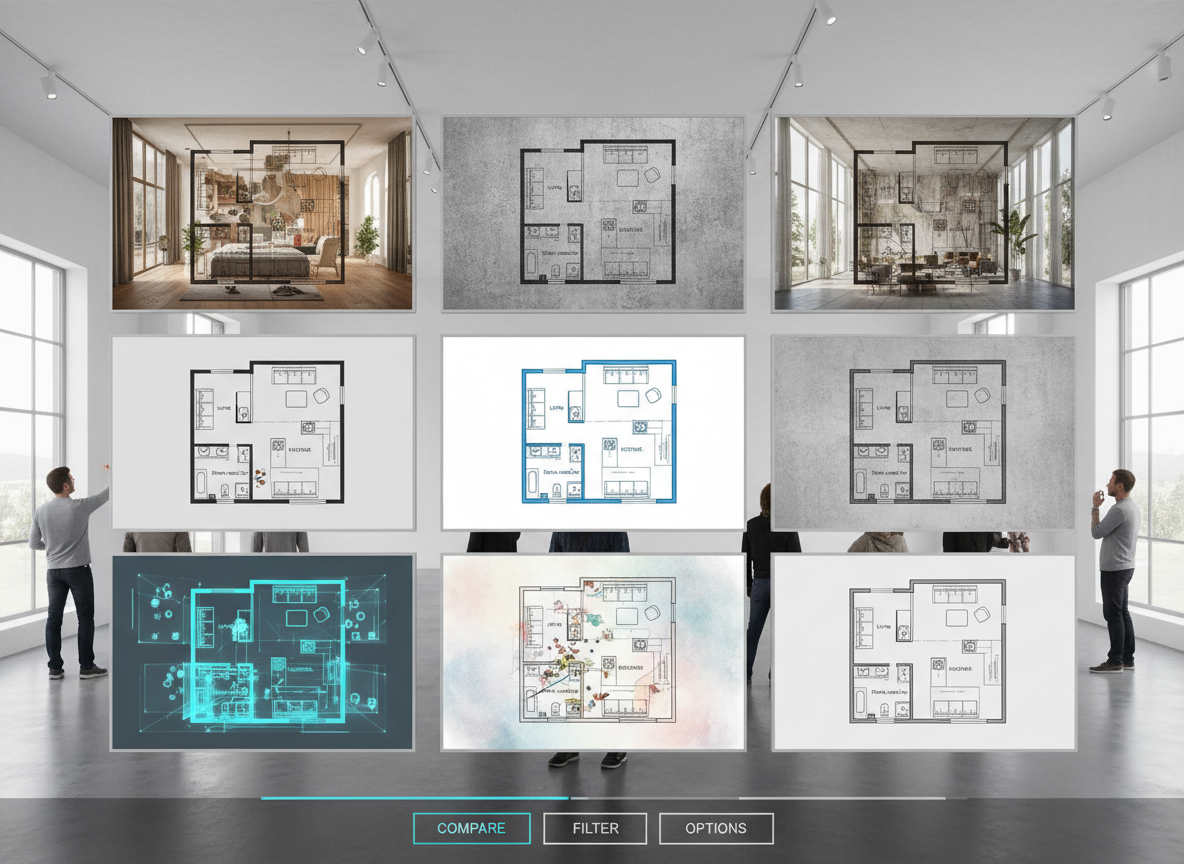
Save and Compare Designs with Ease
Every floor plan you generate is automatically saved in your Generation History. This feature allows you to effortlessly compare multiple versions, iterate on designs, and choose the perfect layout. It’s an invaluable tool for designers, real estate agents, and anyone using an event layout maker free to perfect their spatial planning.

Who Benefits from Our AI Floor Plan Generator?

Homeowners & DIY Planners: Experiment with room layouts, open vs. closed kitchens, and add features like walk-in closets or balconies to visualize your dream home. Our free floor plan designer is perfect for home renovation planning.

Interior Designers & Decorators: Quickly generate apartment floor plan concepts for clients, iterating on ideas like gross area bands and essential extras in real-time. This layout design tool streamlines your workflow.

Real Estate & Rentals Professionals: Create clear, consistent 2D real estate floor plans for listings to help buyers instantly understand property layouts. An excellent virtual floor plan solution for marketing.

Event Planners & Coordinators: Design optimal event layouts for any gathering, ensuring smooth flow and efficient use of space. Our event layout maker free allows for rapid adjustments and visualization of event scenarios.

Simple Steps to Use Your Event Layout Maker Free
1
1. Set Rooms: Begin by choosing the number of bedrooms (0-4) and bathrooms (1-3) to establish the core of your house plan maker free design.
2
2. Choose Kitchen Style: Decide whether you want an open or closed kitchen to influence the flow and separation of your living spaces.
3
3. Pick Gross Area: Select a gross area range that best suits your target size, guiding the AI to create appropriately scaled rooms and corridors.
4
4. Add Extras: Personalize your floor plan by multi-selecting features like a walk-in closet, laundry room, home office, garage, pantry, combined living-dining, or balcony. This is crucial for a custom floor plan.
5
5. Generate & Review: Click 'Generate' to see your 2D floor plan appear instantly. Review the results, tweak parameters, and regenerate to explore different versions. Our online floor plan generator makes iteration simple.
6
6. Download & Share: Export your chosen layout as an image or PDF, ready to share with clients, colleagues, or for your property listings. It’s the easiest way to get a presentation-ready dwelling layout creator output.
Frequently Asked Questions About Our AI Floor Plan Generator
How does the AI floor plan generator create my layout?
Our AI floor plan generator processes your selected parameters—beds, baths, kitchen type, gross area, and extras—and applies established design principles for adjacency and circulation. It swiftly drafts clear 2D floor plans, creating unique concepts with each click. This makes it an ideal event layout maker free for quick conceptualization.
What are the available ranges and default settings?
You can select 0-4 bedrooms (default 2), 1-3 bathrooms (default 1), and an open or closed kitchen (default open). Gross area is chosen from predefined bands. Extras are multi-selectable, allowing for a highly customized virtual floor plan.
How does 'Gross Area' affect the floor plan?
The gross area band guides the overall scale of your design, ensuring rooms and corridors are proportioned correctly for the chosen footprint. Selecting the closest band yields the most realistic and believable house plan maker free layout.
What's the difference between an open and closed kitchen in the generated plans?
An open kitchen promotes a continuous sightline and flow, often combining with living and dining areas. A closed kitchen creates a more defined, separate cooking zone. Our AI floor plan maker adjusts the layout to reflect these preferences.
How do 'Extras' influence the design process?
Extras like a walk-in closet, home office, or pantry instruct the AI floor plan generator to prioritize specific spatial relationships. For instance, a pantry will be near the kitchen, and a home office in a quieter part of the plan, optimizing your room layout planner.
Enhance Your Designs with More Ideal House Tools
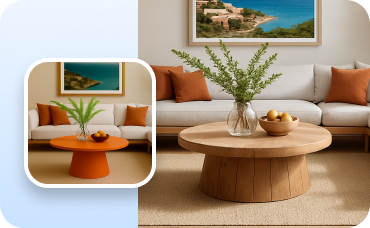
Change Furniture
Virtually swap out furniture to stage rooms and find the perfect interior style.
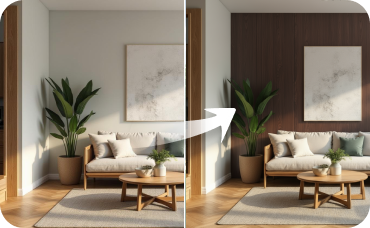
Room Visualizer
Carry the design inspiration indoors by staging and redesigning interior rooms to match your home's new style.
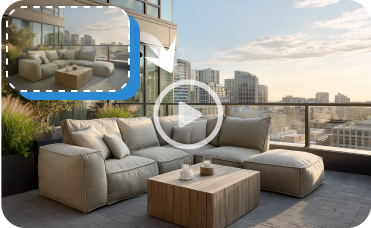
Image to Video
Create dynamic video tours and walkthroughs from a single staged image to captivate your audience.
Ready to Design Your Space?
Experience the fastest, most intuitive event layout maker free for professional and personal projects. Create stunning 2D floor plans with Ideal House's AI Floor Plan Generator today!
Generate My Floor Plan Now
Ideal.House यह सिर्फ एक प्लेटफ़ॉर्म से अधिक है—यह घर डिज़ाइन के लिए एक समग्र घरेलू पारिस्थितिकी तंत्र है। इंटीरियर रेनोवेशन, एक्सटीरियर रेनोवेशन, लैंडस्केप डिज़ाइन जैसे शक्तिशाली AI टूल का आनंद लें ताकि आप अद्भुत स्थान बना सकें, और HouseGPT को योजना बनाने, निर्माण करने और स्थानों को सजाने के लिए व्यक्तिगत अनुशंसाओं के साथ मार्गदर्शन करने दें। विचारों और सुझावों के आदान-प्रदान के लिए उत्साही समुदाय से जुड़ें, और फिर अपने प्रोजेक्ट्स को अवधारणा से कार्यान्वयन तक लाने के लिए सावधानीपूर्वक चयनित उत्पादों के साथ अपने स्वाद के अनुरूप लाएं।
हम Ideal.House, हमने एक ऐसी जगह बनाई है जहाँ तकनीक, रचनात्मकता और सहयोग मिलकर घर के डिज़ाइन को फिर से परिभाषित करते हैं।
हम Ideal.House, हमने एक ऐसी जगह बनाई है जहाँ तकनीक, रचनात्मकता और सहयोग मिलकर घर के डिज़ाइन को फिर से परिभाषित करते हैं।
तकनीकी सहायता [email protected]



💰 Ideal House के एफिलिएट पार्टनर के रूप में 10% कमीशन प्राप्त करें।
हमसे जुड़ें